Should You Turn On WhatsApp Parental Controls for Your Teen?
The controls are optional, which makes switching them on a genuine choice. What they reach is narrower than most coverage suggests.
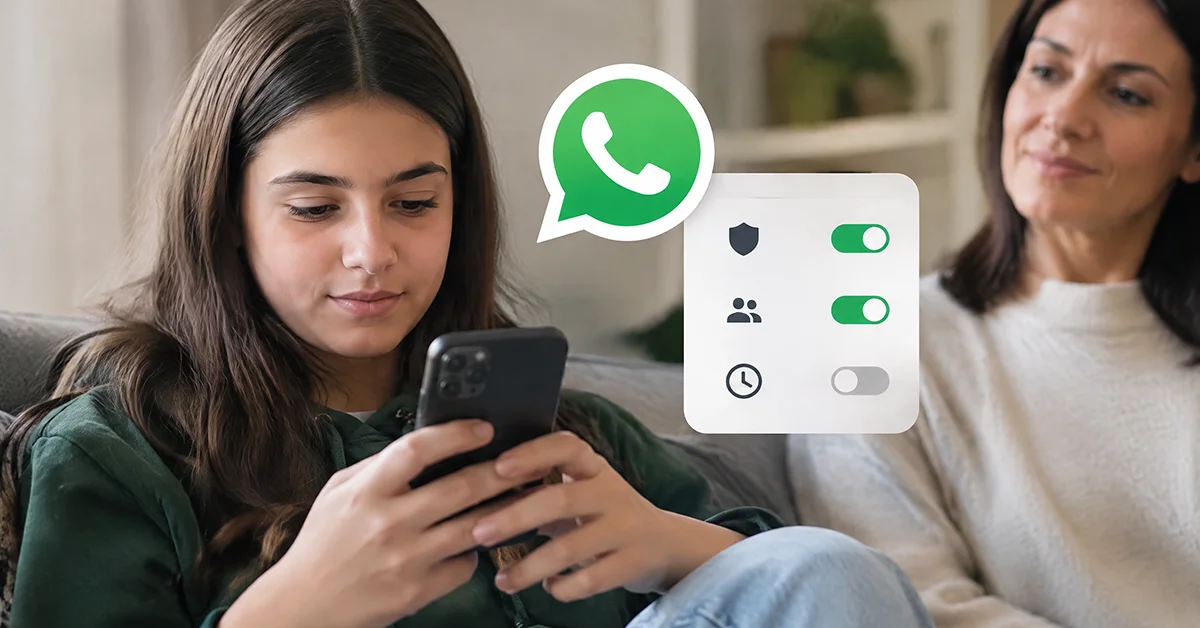
WhatsApp announced a parental control layer for teen accounts on 30 September 2026. It covers ages 13 to 17, sits on top of an account the teen already has, and switches nothing on by itself. A parent chooses whether to use it.
That turns setup into a decision rather than a chore. The layer is narrow by design, and the distance between what families assume and what it delivers is where the trouble begins. Several summaries credit the teen account layer with powers belonging to an entirely different product.
As of 5 October 2026, several questions about the feature still have no published answer. What follows separates the two products, sets out the settings a parent genuinely gets, maps what falls outside, and ends with a decision table.
What Turning On WhatsApp Parental Controls Actually Involves
Setup starts on the teen's phone. The official material points to the "You" or "Settings" tab, and no deeper path than that has been published. A parent links their own account, confirms adulthood through a selfie check, and enters the teen's date of birth.
That sequence shapes the whole decision, because the teen is in the room for all of it. WhatsApp presents the arrangement as something both sides see from the first step. A parent hoping for a layer their teen will never notice is looking at the wrong product.
The layer adds two things. The first is a set of privacy settings a parent can fix in place. The second is a thin stream of alerts about group activity. There is no record of conversations behind either one.
- Privacy settings covering profile photo visibility and group invitations
- Settings covering Channels, Status and Meta AI
- Alerts when the teen joins or leaves a group
- An alert when a group grows in size
- A parent PIN that holds those settings in place
Every item on that list is adjustable, reversible and visible to both sides. For some households that covers the right ground. For others it misses the real worry.
How Does a Teen Account Differ From a Parent-Managed One?
Two separate products arrived this year, and almost every summary treats them as one. Families reach the teen layer expecting authority that only the under-13 account type carries.
| Parental controls for teens | Parent-managed accounts
| |
|---|---|---|
| Announced | 30 September 2026 | 11 March 2026 |
| Age band | 13 to 17 | Under 13 |
| What it is | An opt-in layer added to an existing account | A separate, required, restricted account type |
| Meta AI, Channels, Status | Adjustable | Switched off entirely |
| Contact approval | Not part of this tier | Included, through a message requests folder |
Contact approval is the row behind the most confusion. On the under-13 product a parent clears new contacts through a message requests folder. Nothing equivalent exists on a teen account, so no parent on that tier can approve or refuse individual contacts.
WhatsApp's stated minimum age is 13, unless local law sets a higher one. A child below that age belongs on a parent-managed account rather than a standard one. A parent can also delay the move to a standard account by up to 12 months, a detail almost no coverage carries.
If your child is under 13, the separate account type is the right tool rather than the teen controls. From 13 upwards, the layer described here is the only official option.
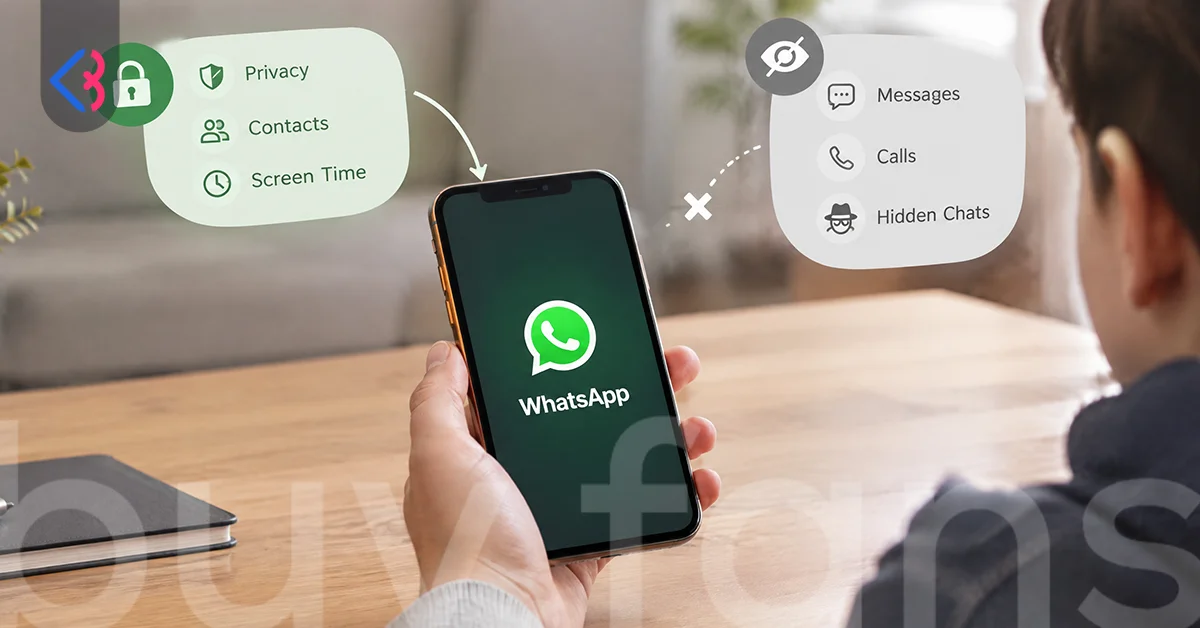
What Can a Parent Set and What Stays Out of Reach?
The official announcement splits into two halves. One half is a set of switches. The other is a short list of things the product does not do, worded tightly enough that no generous reading gets around it.
| What a parent can do | What a parent cannot do
|
|---|---|
| Choose who sees the teen's profile photo | Read personal messages |
| Choose who can add the teen to a group | Listen to calls |
| Get an alert when the teen joins or leaves a group | See a list of who the teen chats with (no power of this kind is described) |
| Get an alert when a group grows in size | |
| Decide how the teen uses Channels | |
| Set who sees the teen's Status updates and whose updates reach them | |
| Keep Meta AI at the default 13+ level or at Limited Content | |
| Hold the settings in place with a parent PIN | |
| Turn the whole layer off at any time |
Limited Content is the stricter of the two Meta AI options. Choosing it switches off the assistant features built on Private Processing, which narrows what the teen can ask for inside the app. The default sits at 13+, so a parent who changes nothing still lands on an age-rated setting.
The Channels and Status settings cover reach and visibility, not content. A parent decides how the teen uses Channels, and who receives the teen's Status updates. Which channels a person follows stays visible only to that person.
The right-hand column deserves one caution. The official sentence names messages and calls, then stops. No power to list the teen's chat partners appears anywhere in the material, which makes that row an absence rather than a stated promise. Photos and other media fall outside that wording as well, so treating it as a promise about them goes further than the text supports.
Which Parts of a Teen's WhatsApp Stay Outside the Controls?
A false sense of security is its own risk, so the gaps deserve as much room as the features. Some are stated outright. Others are simply absent, a different kind of limit and an easier one to misread.
| Area | What the official material says
|
|---|---|
| Message content | Ruled out in plain words |
| A list of the teen's chat partners | No such power is described anywhere |
| Screen time or daily usage limits | No feature of this kind exists in the set |
| WhatsApp Web and linked devices | Not addressed at all |
| A second number on another device | Not addressed at all |
Screen time is the claim worth correcting first. Some pages attach daily limits or usage caps to this release. The announcement describes no feature of that kind. Supervision on Meta's other app, Instagram, is handled somewhere else entirely, and none of these settings carry across.
Linked devices carry the most practical weight. A teen can keep a session running on a laptop through WhatsApp Web, and neither the settings nor the alerts extend to it. The announcement never raises the subject.
A second number, another messaging service, a borrowed tablet: none of them falls inside the boundary either. Treated as a general safety net, the controls cover a narrow band.
Do Messages Stay End-to-End Encrypted With Controls On?
Encryption holds either way, and WhatsApp says so directly. The announcement states that a teen's personal messages and calls remain private under end-to-end encryption while the controls are active. Nobody outside the chat, WhatsApp included, can reach them.
The more useful question is what that sentence leaves out. It addresses messages and calls, and the parties able to access them. Screenshots, backups and linked devices go unmentioned.
| Covered by the encryption statement | Not addressed by it
|
|---|---|
| Personal message content | Screenshots taken on either device |
| Voice and video calls | Cloud backups |
| Access by WhatsApp itself | Linked devices and desktop sessions |
Backups are where the gap bites hardest. End-to-end encrypted backup appears in WhatsApp's own description as an optional extra layer rather than the default state. A cloud backup is therefore not end-to-end encrypted unless somebody switched that protection on.
None of this weakens the encryption itself. The promise covers the pipe and the parties, not the handset on a desk or the copy in a cloud account. That is the part a parent weighing the decision tends to miss.
What Counts as a Group Growing Meaningfully?
Group alerts are the only part of this set producing an ongoing signal. Three events trigger one. The teen joins a group, leaves one, or stays in one that grows in size.
The official phrasing for the third case is a group that "grows meaningfully in size". The wording is loose, and WhatsApp has published no threshold to go with it. Specific member counts have circulated widely enough to look authoritative, and some pages print them as settled fact. No official source gives a number.
None of these alerts carries content. A parent learns that a group exists in the teen's life, and that its membership changed. The messages inside stay where they were. That distinction defines the whole feature, and it is why the alerts work better as a conversation starter than as anything stronger.
Pick the worry apart before judging this part of the set. Where the risk is a teen landing in large unfamiliar groups, the alerts do real work. If the risk sits inside one-to-one chats instead, nothing here reaches it.
What Does the Parent PIN Actually Lock?
The parent PIN gives the rest of the settings their weight. Without it a teen could reverse a parent's choice in seconds. The official description ties the PIN to one specific action, loosening a privacy setting the parent has put in place.
The official text names two settings in that context. One governs who sees the teen's profile photo, the other who can add the teen to a group. Relaxing either requires the PIN the parent chose. Nothing in the text covers tightening a setting, so no claim about that direction belongs here.
| Question about the parent PIN | What the record shows
|
|---|---|
| What does it gate? | Loosening a privacy setting a parent has put in place |
| How many digits on the teen tier? | Not published |
| What happens if it is forgotten? | No recovery process documented in any language |
| Can a teen reset it alone? | Not described anywhere |
The third row is the one to sit with, because searching across several languages turns up no explanation of what a parent does after forgetting the PIN. No recovery flow, no support article, no line in the announcement. A six-digit figure has been reported, but only for the under-13 product.
None of that makes the PIN a poor idea. The missing recovery path does argue for treating it like any credential you would hate to lose, and for writing it down before you need it.
Which Countries Have WhatsApp Parental Controls Today?
Published country information does not exist. WhatsApp has released no country names and no regional schedule. The official statements describe a gradual rollout across Android and iOS over the coming months. They add that the tools may not be available in your region yet.
That phrasing matters, because an alternative reading spread quickly. Headlines in several languages announced a local arrival as though a separate launch had taken place. What actually travelled was a translation of one global announcement.
| Claim in circulation | What has been published
|
|---|---|
| A named country has received the controls | No country list of any kind |
| A regional release schedule exists | Only a gradual rollout over the coming months |
| The feature is live everywhere already | The tools may not be available in a given region yet |
Open the app, look in the "You" or "Settings" tab, and the option is either there or it is not. WhatsApp has announced no waitlist and no way to bring the rollout forward.
Until it appears, the decision answers itself. An agreement between a parent and a teen is all that is left.
Can WhatsApp Parental Controls Be Switched Off Later?
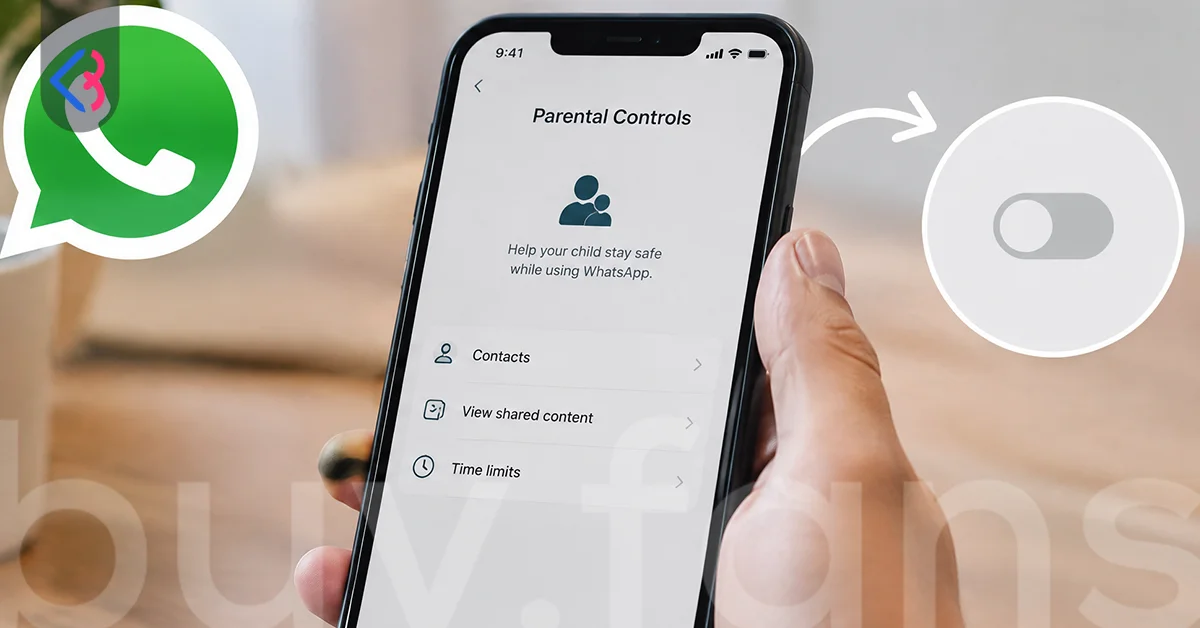
Switching the layer off forms part of the official description rather than a workaround. The controls are opt-in, and the announcement states that a parent can end the arrangement whenever they choose. Nothing commits a family to a trial period or a notice window.
Two related questions have no published answer, and both bear on how long the arrangement lasts. Whether a teen can unlink the controls alone is described nowhere in WhatsApp's own material. Nor is there any official line on what happens at 18. Sources examining a beta build reported an automatic end at that age, while the announcement itself stays silent.
A setting you can undo in a minute is a cheap experiment rather than a commitment. Parents who are unsure can switch the layer on, judge how the alerts land, and drop it without ceremony.
The one thing reversibility does not solve is the conversation. Setup happens with the teen present, so the arrangement begins as something both sides know about. Ending it deserves the same explanation the start did.





When Is a Family Agreement the Better Choice?
Matching the tool to the worry is the entire exercise. These controls handle a narrow band of problems well and ignore everything else. The useful question is not whether they work, but whether they reach the problem in your house.
| Situation | Direction | Reason from the record
|
|---|---|---|
| Your child is under 13 | The separate account type, not this layer | Parent-managed accounts cover under-13s |
| Your teen keeps getting added to large unfamiliar groups | Switching the controls on earns its place | Group invitations are a setting, and joins produce alerts |
| Your worry is hours spent on the phone | An agreement does the work | No screen time feature exists in this set |
| Your worry is what gets said inside chats | An agreement does the work | Message content stays outside the controls |
| Your teen uses WhatsApp Web on a shared laptop | An agreement is the only cover | Linked devices are not addressed |
| You want Meta AI held at a stricter level | A clear fit | Limited Content is an available setting |
| You want something your teen will not notice | The controls do not fit | Setup happens together, on the teen's device |
| Your teen is close to 18 | Weigh the effort against the time left | Nothing official describes an end point |
| The option is missing from your app | An agreement is the only step available | No country list has been published |
Three rows carry most of the weight. Group exposure is the one worry the set addresses directly, through the invitation setting and the join alerts. Time spent and what gets said inside chats sit outside the set completely.
Whether you should turn on WhatsApp parental controls therefore depends on which row of that table matches your concern. Where the answer points to an agreement, write it down, keep it short, and revisit it when something changes. If an agreement and the controls both fit, the layer is easier to defend once the teen understands why it exists.
This article was last updated on 29 October 2026 thursday. Today, 8 visitors read this article.