Should You Block Unknown Numbers on a Business Phone?
Android's "unknown" toggle stops calls with no caller ID, not calls from people you have never met. Here is how a creator or small business should set the line.
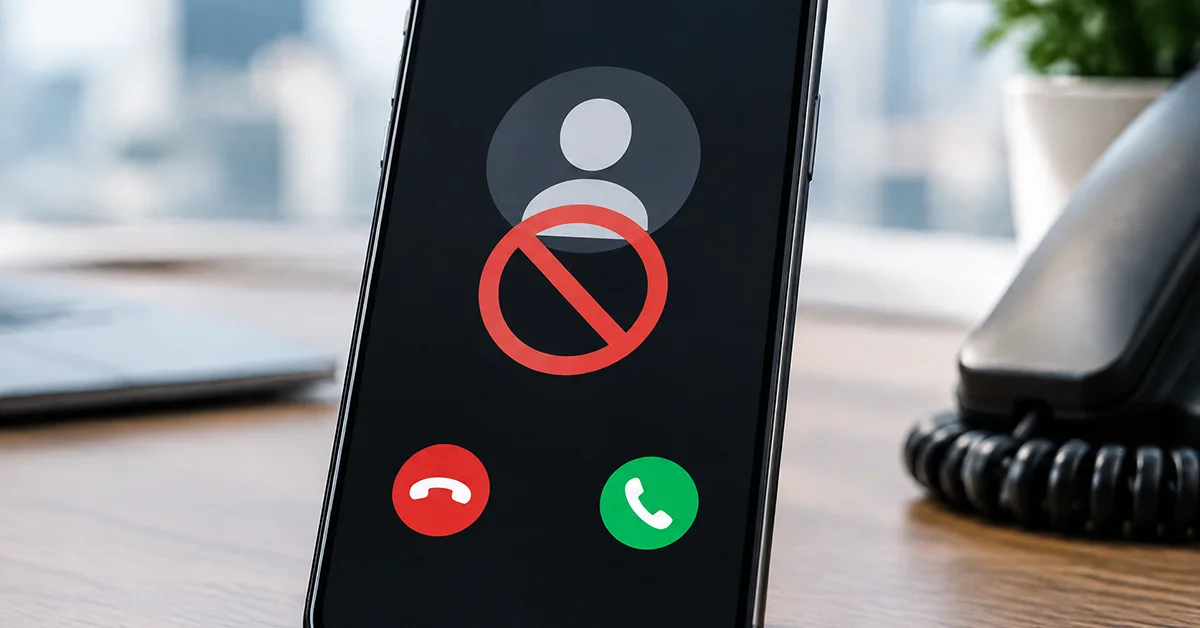
You should block unknown numbers on a business phone only in the narrow way Android defines them, meaning calls that arrive with no caller ID. Every other new number should keep ringing, because a public number depends on people you have not met yet. The sponsor, the journalist and the client's assistant all call from numbers you have never seen. So "should you block unknown numbers" has one answer for a private phone and another for a business line.
The advice covers Google Phone on Pixel and other Android phones, and Samsung's Phone app on One UI. Labels differ between the two, and Samsung's wording shifts with the One UI version. According to Google's help page, some of the steps behind these settings need Android 6.0 or later. If you run the business from an iPhone, the settings carry different names and this piece is not for you.
What Does "Unknown" Actually Mean on Android?
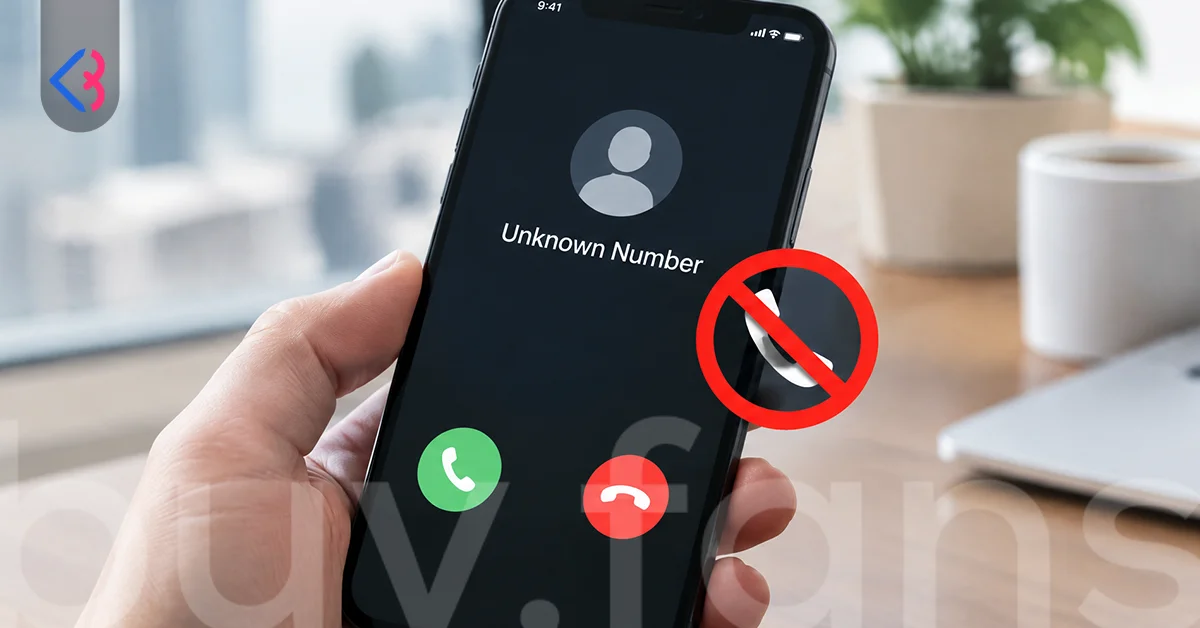
"Unknown" on Android means a call that arrives with no caller ID, not a call from a number missing from your contacts. According to Google's help page, the Unknown toggle under Blocked numbers in Google Phone blocks calls from private or unidentified numbers. A visible number that is not saved on your phone rings as usual.
Samsung works on the same idea. A toggle named along the lines of Block calls from unknown numbers sits inside the Block numbers settings and targets hidden-ID calls. The wording changes by One UI version. Anyone searching for "samsung block numbers not in contacts" is looking for a switch this toggle does not flip.
That gap produces most "block unknown numbers android not working" complaints. The toggle is on, a stranger calls from a visible number, and the block looks broken. It is doing exactly what the label says.
| Task | Google Phone | Samsung on One UI |
|---|---|---|
| See the block list | More, Settings, Blocked numbers | Phone menu, Settings, Block numbers |
| Block a recent caller | Call history, the call, Block / report spam | Recents, the number's details, Block |
| Stop hidden-ID calls | Unknown toggle | A toggle named like Block calls from unknown numbers |
| Stop all non-contacts | Not what the toggle does | Not what the toggle does |
| Hide blocked calls from the log | Never shown in Call history | Turn on Hide blocked calls |
Should a Business Phone Block Unknown Callers at All?
A business phone should block hidden-ID callers and leave every other new caller alone. A creator with a phone number in a bio, on a booking page or in an ad is asking strangers to call. Rejecting them at the door defeats the reason the number is public.
Blocking hidden-ID calls carries little risk, because sponsors, agencies and clients rarely hide their caller ID. A blanket block on every non-contact carries a lot of risk, and neither app offers it as a block anyway. The table sorts callers by what a block would cost you.
| Caller type | Risk of blocking | Recommended setting |
|---|---|---|
| Hidden or private caller ID | Low | Unknown toggle on, and leave it on |
| Sponsor or brand calling for the first time | High | Never block; silence and call back |
| Existing client on a new number | High | Never block; save the number when they call |
| Journalist, podcast host or collaborator | High | Let it ring; a missed call costs more than spam |
| Repeat spam from one visible number | Low | Block it, and report it if it is real spam |
| Automated sales calls in volume | Medium | Spam filter first, then block what gets through |
The rows marked high explain why a business line should never run on a blanket block. A plain yes to "should you block unknown numbers" would cost a creator the exact calls the number exists for.
Is Silencing Better Than Blocking for a Creator?
Silencing suits a creator better than blocking whenever there is any chance you will want to call back. A silenced call still reaches the phone, shows in the log and can go to voicemail. A blocked call is rejected outright, and on Google Phone it leaves no trace. According to Google's help page, calls received while a number is blocked do not appear in your Call history.
Samsung keeps the record. Blocked calls land in Recents unless you turn on Hide blocked calls in the Phone app, according to Samsung's support page. Silencing itself runs through Do Not Disturb, which on most versions lets saved or starred contacts through and keeps everyone else quiet. Calls from outside that allow list still land in the log.
| Question | Blocking | Silencing |
|---|---|---|
| Does the phone ring? | The call is declined automatically | The phone receives it quietly |
| Does it show in the log? | Never on Google Phone; on Samsung until Hide blocked calls is on | Always |
| Can the caller leave voicemail? | Not on Google Phone with visual voicemail on; on Samsung the device block does not stop it | Yes |
| Can you call back later? | Only after you unblock | Straight from the log |
| Best for | A number you never want to hear from again | A new number you might answer tomorrow |
Silence when you might want to call back; block when you never will. For "block or silence unknown calls" and "silence unknown callers android", silencing is the default for a public number.
What Happens to the Caller and Their Messages When You Block?
A blocked caller gets no notice that anything changed. According to Google's help page, when a blocked number tries to call, your phone automatically declines the call. What the caller hears after that depends on the carrier, and guides that promise a busy tone or a single ring are guessing. So for "does blocked number know", no alert goes out, and anything they notice comes from calls that never connect.
Voicemail splits by app. Google's help page says that when visual voicemail is on, blocked callers cannot leave voicemail. Samsung's support page says a block on the device does not stop voicemail, and points you to your carrier for that.
Texts do not vanish either. On Google Messages, messages from a blocked or reported sender move to the Spam and blocked folder, where you can read them and choose Unblock. Samsung Messages keeps a blocked messages list under its settings, with a label that varies by version. That is most of the answer to "block number android what happens". A device block covers cellular calls and texts only. Internet calling apps such as WhatsApp keep their own block lists, so a number blocked on the phone can still reach you there.
Should You Report Spam or Just Block?
Reporting belongs to real spam, and a plain block belongs to everyone else. On Google Phone, the button on a call in Call history reads Block / report spam, and the help page does not say whether the report can be skipped. A client you fell out with is not spam. Anyone looking to "block a number without reporting spam" should check that dialog for a separate option, or add the number by hand under Blocked numbers.
Samsung separates the two more visibly. Under Caller ID and spam protection, a setting named along the lines of Block spam and scam calls blocks all suspected spam or only high-risk calls. The filter runs on a third-party spam database, and Samsung's support page notes that these functions vary by country and by device.
For "how to stop spam calls on business phone", the order matters. Turn the spam filter on first; Google Phone keeps a Filter spam calls option under Caller ID and spam. Then block the repeat offenders that get through, and report only the callers that are plainly selling, scamming or robocalling. A block affects only your phone, and a report goes further.
What Should a Business Line Do Before Blocking Anyone?
A business line should tidy its contacts and its filters before it blocks a single number. Most regret comes from blocking in the heat of the moment, then finding a client's new number in the list a month later. The checklist below prevents most of it.
- Save every real contact, including a client's second number and an agency's switchboard, so a saved number never looks unknown.
- Turn the spam filter on first and give it a week before deciding what still gets through.
- Turn on the hidden-ID block, the Unknown toggle or its Samsung counterpart, and leave every visible number free to ring.
- Keep a written log of every number you block, with the date and the reason.
- Record a voicemail greeting that names the business and asks for a text, so a silenced caller has a next step.
Carrier-side blocking is the other layer. Paid monthly blocking services and free hidden-number rejection both exist, and the terms vary by carrier. A carrier block works on the network, so it follows your number to a new phone, while a device block lives on the phone, not on the SIM. For a business line with heavy spam, carrier-level blocking is the layer to add on top of the device settings, not instead of them.
Does the Block List Survive a New Phone?
The block list survives a new phone only if something carries it across, and moving the SIM alone carries nothing. Blocks are stored on the device, so a SIM in a new Android phone starts with an empty Blocked numbers list.
Google Phone users have an official route. Google's Android backup page lists phone call settings and blocked numbers among the items in the Google Account backup. A phone restored from that backup gets the list back. The official Smart Switch transfer list does not mention the block list, though users report that it carries over between Galaxy phones. Treat that as reported, not promised.
| How you move | What happens to the block list |
|---|---|
| Move only the SIM | Nothing carries over; the list starts empty |
| Restore a Google Account backup with Google Phone | Blocked numbers are included, per Google's Android backup page |
| Transfer with Smart Switch between Galaxy phones | Not on the official list; users report it carries over |
| Carrier-level block | Unaffected; it lives on the network |
Keep the backup on, and keep your own list as a note on top of it. Anyone who has typed "block unknown numbers android not working" the day after a phone upgrade has usually just met an empty list.





When Is Blocking the Wrong Move for a Creator?
Blocking is the wrong move whenever the caller might be worth money, a story or a favor, and you cannot tell yet. Each scenario below ends with a call that can still be returned, rather than a rejected one.
- A sponsor calling from an unknown number. The brand's first call often comes from an assistant's phone. Let it ring, or silence non-contacts with Do Not Disturb and check the log each evening.
- A client who changed phones. Save the new number the moment they text, and never block on a single missed call.
- A bank, a courier or a clinic. Some hide their caller ID. If the Unknown toggle rejects one, turn it off for the day you expect the call.
- A collaborator abroad. An international number may be flagged by a spam filter. Save it with the country code, and check the Spam and blocked folder if a text goes missing.
- Someone you only want to mute for a week. A block stays until you undo it, and on Google Phone it hides the record. Run Do Not Disturb for the week, then switch it off.
So, should you block unknown numbers on a business phone? The decision comes down to a short list.
- Block when the caller ID is hidden, or when a visible number has brought spam more than once.
- Silence when the number is new, visible and might belong to a sponsor, a client or a collaborator.
- Filter before either, and let the spam filter take the automated calls.
- Log every block, back the list up, and revisit it before a launch.
This article was last updated on 03 November 2026 tuesday. Today, 12 visitors read this article.